

Mobile printing guides
Our mobile printing guides cover the practical parts of choosing, pairing and looking after a receipt printer for work on the road. If you run deliveries, route sales, parking or inspections, this section helps you match the printer to the job without guesswork.
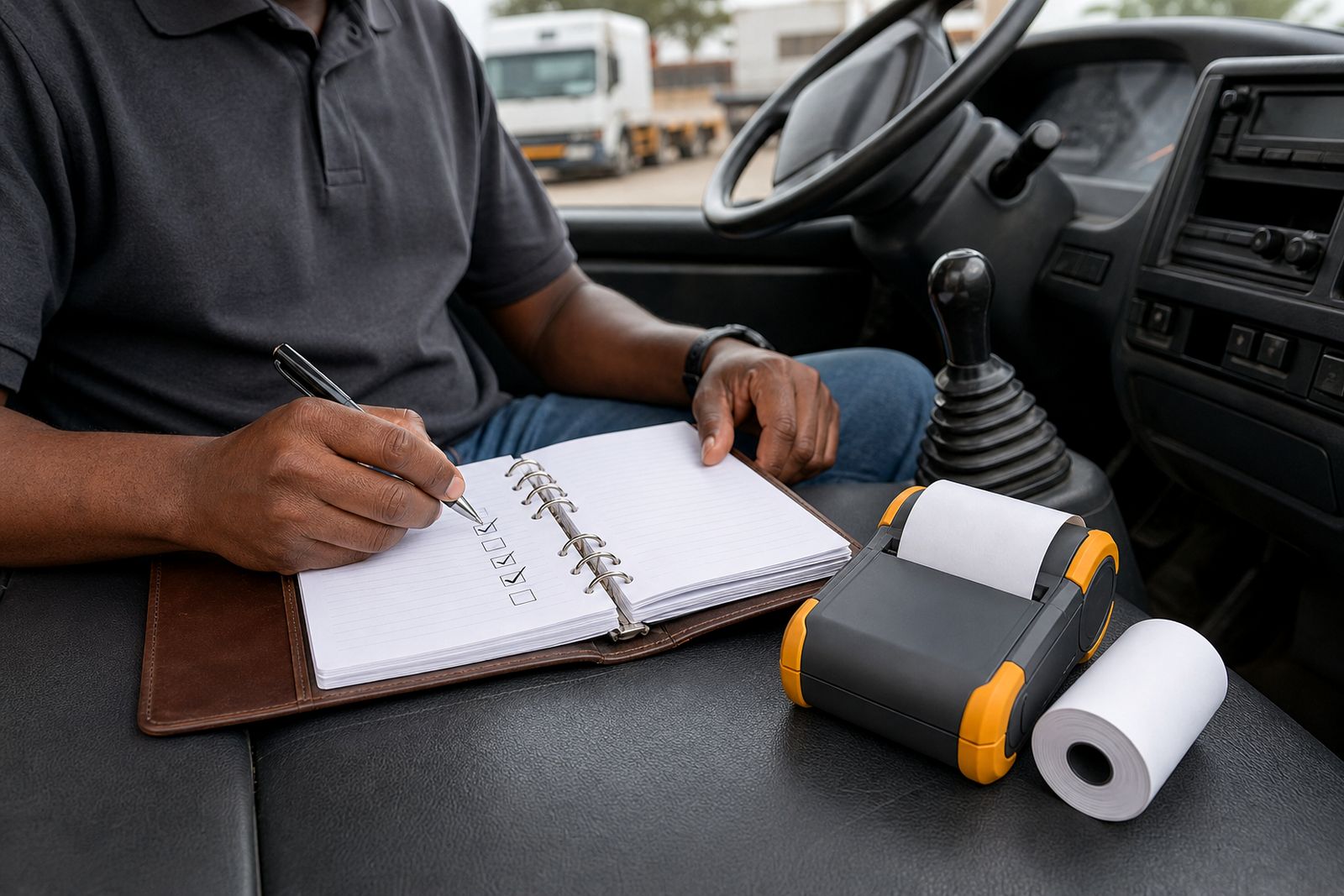
What this guide section covers
Mobile printing in the field is less about fancy features and more about whether the unit works properly in a vehicle, at a client site and through a full shift. In this section we focus on the decisions that matter in daily use: paper width, connection type, mounting, charging and how the printer will be carried by the operator.
We supply mobile receipt printers for drivers and field sales teams from Midrand and courier nationwide. These guides are written for South African working conditions, including vibration on poor roads, dust at loading bays, coastal humidity, and long hours where load-shedding can affect charging routines back at base.
Start with the job, not the spec sheet
The right printer depends on who is using it and what must be printed at the point of service. A courier driver may only need a simple proof of delivery receipt, while a route seller might print item lines, totals and a customer copy several times a day. A parking team may need fast short prints in outdoor conditions where the printer is clipped on and used one handed.
- Delivery and courier work: light, quick printing, easy pairing, simple mounting in the vehicle.
- Route sales: longer receipts, frequent printing, spare paper carried in the vehicle.
- Vehicle sales and field reps: tidy customer receipts, good battery management, carry case or shoulder option.
- Inspection and parking teams: durable body, reliable Bluetooth connection, clip or belt carry setup.
Before choosing a model, check the handheld device or phone, the app being used, and the receipt width required. That saves time later and avoids buying a printer that is awkward for the team to use.
Bluetooth or USB: the practical difference
Most field teams choose between Bluetooth and USB connection. Both can work well, but each suits a different setup. Bluetooth is common where the operator moves around the vehicle or counter area, while USB can make sense where the printer stays mounted and the device is kept close by.
- Bluetooth: better for freedom of movement, less cable clutter, useful for drivers stepping in and out of the vehicle.
- USB: useful where a fixed connection is preferred, with fewer pairing steps once installed correctly.
- Bluetooth trade off: pairing must be done properly and power saving settings on the phone can sometimes interrupt communication.
- USB trade off: cable wear, connector strain and limited movement can become a issue in busy vehicle use.
If the team already uses a phone or handheld in the field, we help match the printer to that device and the paper width. We do not supply handheld computers or develop software, so the guide here focuses on hardware fit and daily operation.
Choosing between 58 mm and 80 mm paper
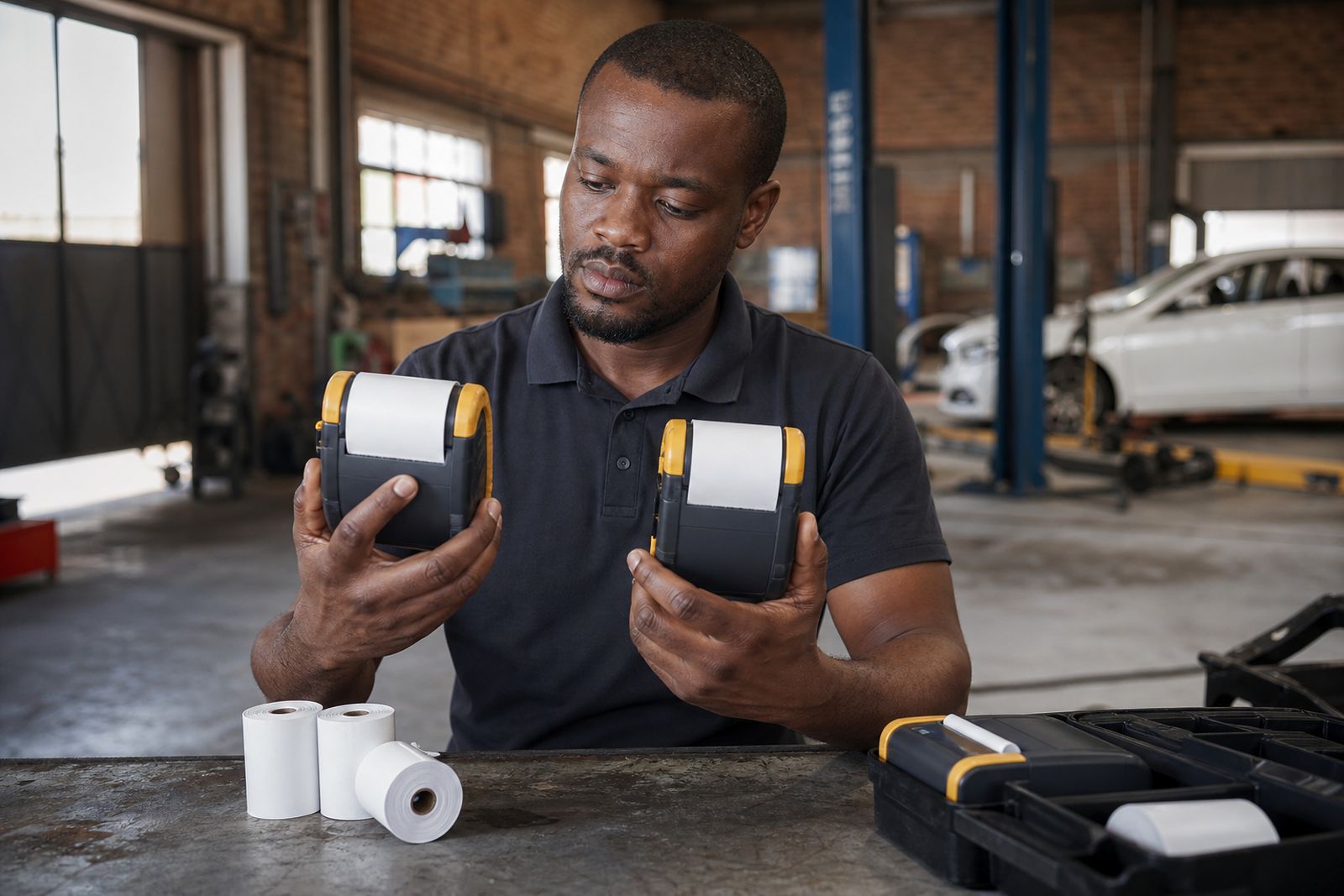
Paper width changes both the size of the printer and the amount of information that can fit comfortably on the receipt. Smaller units using 58 mm rolls are easier to carry and often suit delivery confirmation and short transaction slips. Larger units using 80 mm rolls are generally chosen where layout matters more and the print includes extra lines or clearer item detail.
- 58 mm: lighter to carry, smaller footprint in the cab, suitable for short receipts.
- 80 mm: easier to read, more room for line items, totals and reference numbers.
- For high volume route work: consider how often paper changes will happen during a shift.
- For customer facing sales: think about receipt readability in bright sunlight or at the roadside.
Inland and coastal storage conditions also matter. Thermal rolls should be kept away from heat and damp, and not left loose on a dashboard. A box stored badly can lead to faded prints or curled rolls before they even reach the vehicle.
Power, mounting and carrying on the road
A good mobile printing setup includes more than the printer. The way the unit is charged, mounted and carried often determines whether it survives daily use. In vehicles, a proper charger and mount help reduce movement, cable damage and accidental drops. For walking rounds or frequent stops, a clip or shoulder carry option can be more practical than stashing the printer on a seat.
Think about the full shift. If the operator starts in Midrand, heads through Johannesburg traffic and then spends the day at customer sites, the printer must be easy to grab, easy to reload and easy to protect. A carry case helps against scuffs and dust, while a secure mount stops the unit sliding around when roads get rough.
Keeping the printer working day after day
Mobile printers do not need complicated attention, but they do need consistent habits. Most problems in the field come from flat batteries, the wrong paper loaded, dirty contact points or a pairing issue after a phone setting changes. A short weekly check can prevent callouts and lost time.
- Charge batteries fully at base and avoid relying only on top up charging in the vehicle.
- Keep spare thermal rolls sealed and out of direct sun.
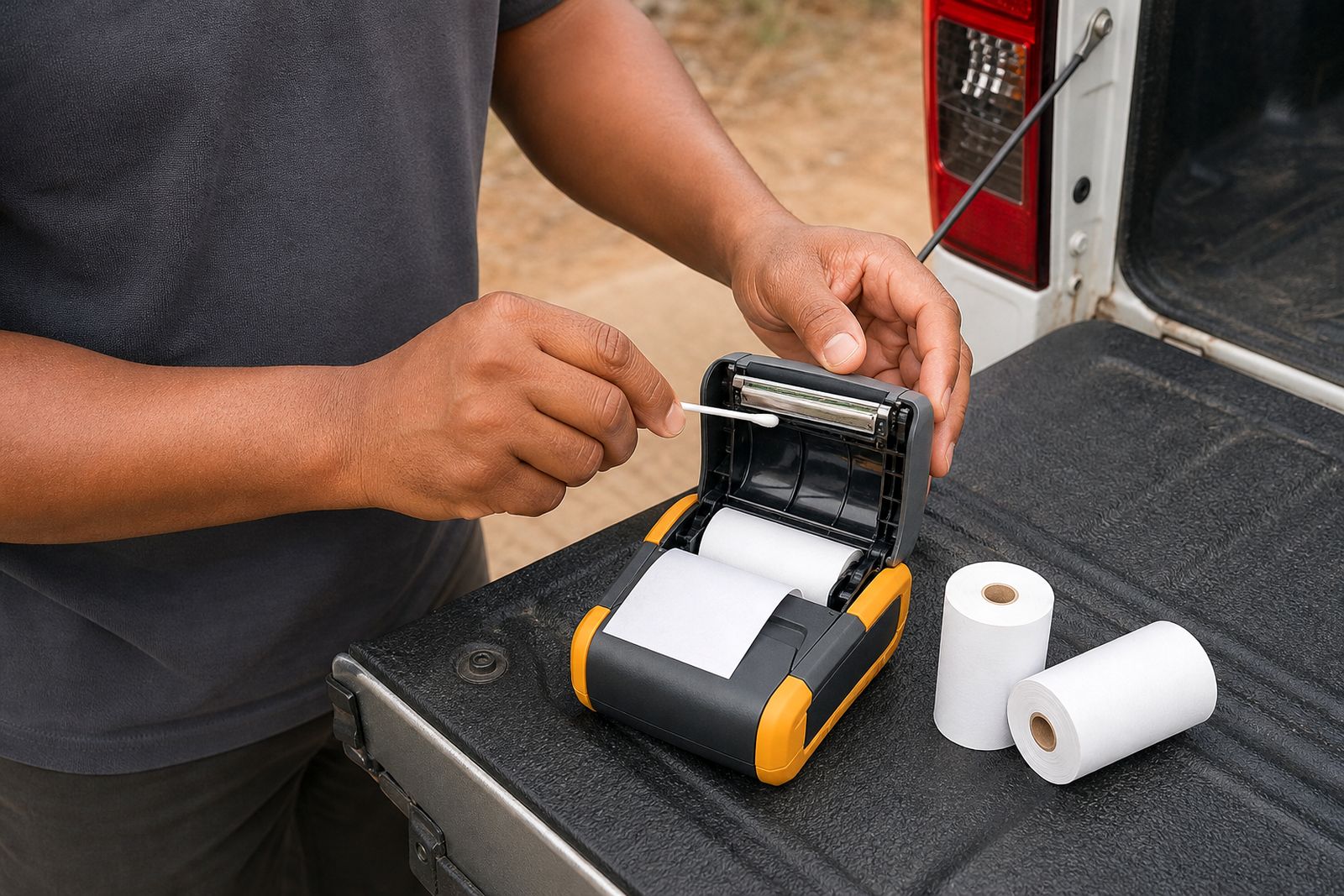
- Clean the paper path and exterior regularly, especially in dusty depots or open vehicles.
- Check mounts, clips and charging leads for wear before they fail on route.
- Train operators on the correct paper orientation and basic pairing steps.
If you are unsure which setup will hold up best in your environment, send an enquiry through our contact page with the device type, connection needed and paper width. We can guide you to the right mobile receipt printer and accessories for the work you do.
What our Mobile Receipt Printers customers say
Verified Google reviews
Questions we get asked
How do I know whether I need a 58 mm or 80 mm mobile printer?
Choose based on the length and layout of the receipt. Short proof of delivery slips often suit 58 mm, while itemised sales receipts and easier customer reading often suit 80 mm.
Is Bluetooth always better for drivers and field teams?
Not always. Bluetooth is useful where the operator moves around a lot, but a USB connection can work well in a fixed mounted setup where the device stays close to the printer.
Do you help match the printer to our phone or handheld device?
Yes. We help customers check compatibility between the mobile printer, the handheld device or phone, and the required paper width before supply.
Tell us about the job
Send sizes, materials and where you are through our contact form, and we will come back with the practical options.
Open the contact form