

Choosing a mobile receipt printer
A mobile receipt printer must suit the job, the device it connects to and the conditions on the road. This guide covers the main checks to make before you choose, so your team can print clearly and keep moving.
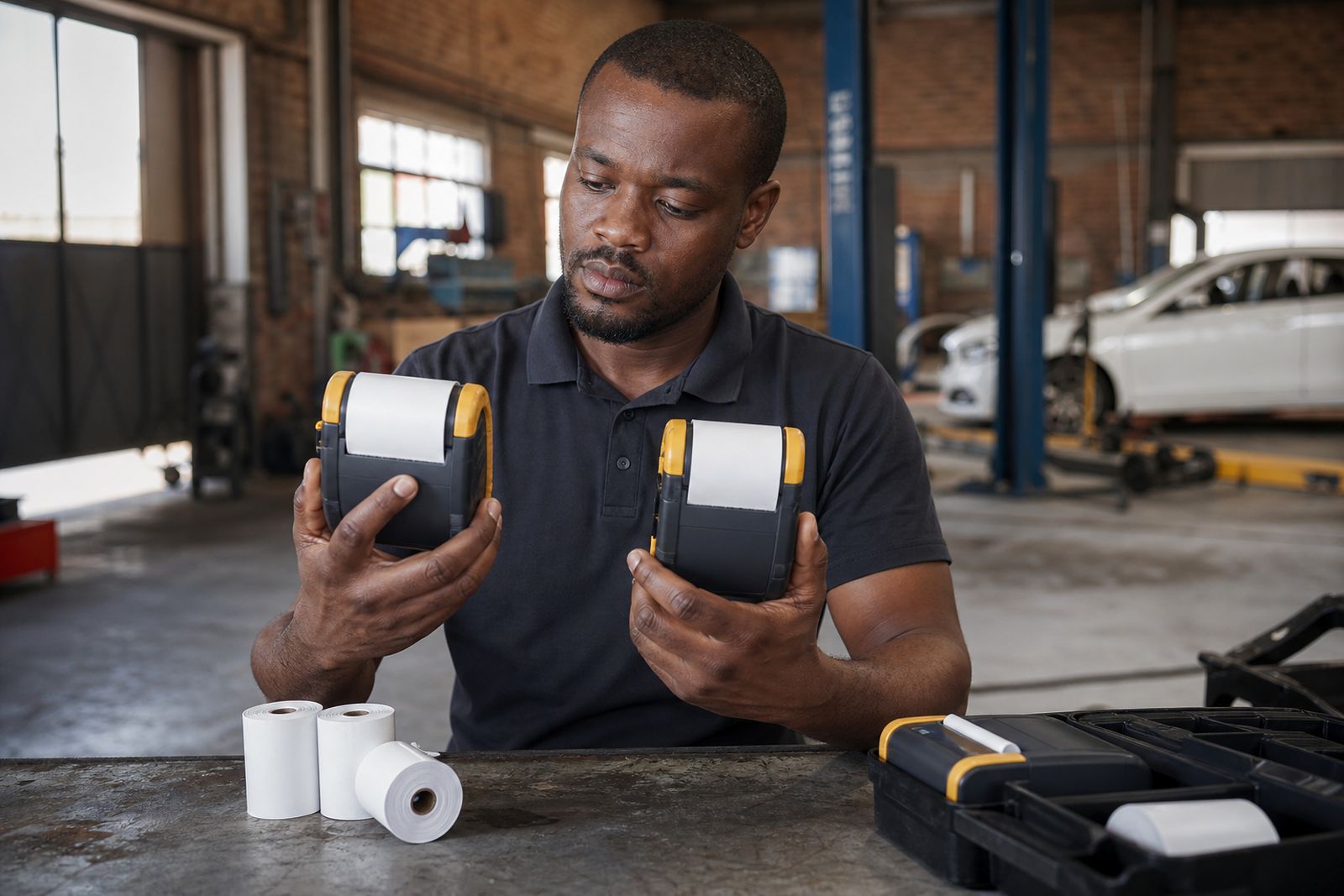
Start with the job the printer must do
The best printer for a courier driver is not always the best choice for a route seller, parking officer or vehicle sales rep. Before looking at size or accessories, define the daily task. Think about how many receipts are printed per stop, whether the operator works inside or outside the vehicle, and how often the printer is carried on the body rather than kept in a cab.
For example, a driver who prints a proof of delivery at each drop may need a compact unit with a strong belt clip and quick tear bar. A field sales operator who prints longer invoices may be better served by a wider printer with a vehicle mount. If the team works in rain, dust or constant loading and unloading, durability matters more than a slim shape.
- How many receipts are printed per shift
- Whether receipts are short slips or itemised invoices
- If the printer is worn on a belt or mounted in a vehicle
- Whether the operator prints while standing at the customer site
- If the work area includes dust, vibration, heat or coastal humidity
Choose the right paper width first
Paper width affects readability, printer size and roll capacity. In most mobile setups, the main choice is 58 mm or 80 mm paper. A 58 mm printer is lighter and easier to carry, which helps delivery teams and inspectors who move all day. An 80 mm printer gives more room for item lines, totals, VAT details and customer references, which can be useful for route sales and vehicle-related paperwork.
If your current receipt format is cramped on a narrow roll, changing to a wider printer can reduce reprints and customer queries. On the other hand, a wide printer is usually heavier and takes more space in the vehicle. It is worth checking your actual print format rather than guessing. We normally suggest matching the paper width to the longest common receipt, not the shortest one.
- Choose 58 mm when low weight and easy carrying matter most
- Choose 80 mm when you need clearer line items and totals
- Check whether logos, tax lines and barcodes fit the chosen width
- Confirm the roll size the team can store in the vehicle or carry bag
Match the connection to the handheld device or phone
A printer can only work well in the field if it connects reliably to the device the operator already uses. The most common options are Bluetooth and USB. Bluetooth suits drivers and sales teams who need freedom of movement around the vehicle or customer premises. USB can be a good fit where the printer stays mounted or where a direct cable connection is preferred for fixed use in a van or service vehicle.
It is important to check more than just the connection type. The operating system, app support, charging method and port layout all matter. Some teams assume any phone can print to any mobile printer, then find pairing is awkward or cable adapters are missing. A simple compatibility check before ordering avoids this kind of delay and the operator can get started faster.
When comparing models, ask what device the team will use every day, where it will be carried, and whether the operator will pair once or switch between multiple devices. In shared vehicle fleets this small detail matters a lot.
Check battery life, charging and in-vehicle use
Power is often the difference between a smooth route and a frustrating one. A mobile printer should last through the actual shift, not just a few test prints in the office. Battery performance depends on receipt length, print density, ambient temperature and how often the printer sits idle between jobs. Drivers doing stop-start work need stable battery life and charging that fits the vehicle routine.
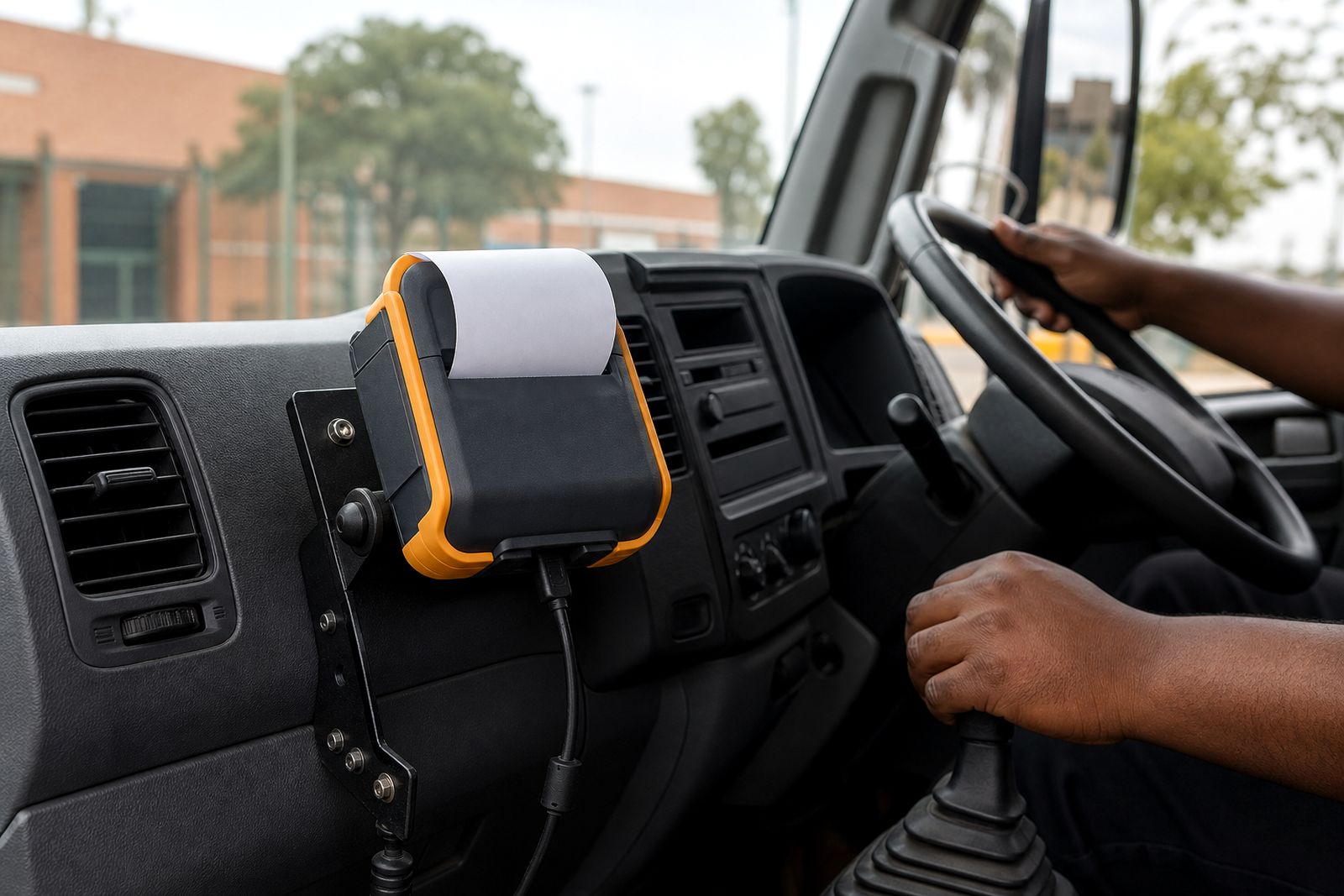
Vehicle chargers are useful when printers stay in the cab for long hours or when teams run two shifts. For operators who carry the printer away from the vehicle, a spare charged battery can help, depending on the model selected. In areas affected by load-shedding, it is wise to plan how batteries will be charged back at base and whether vehicles are used as part of that plan.
- Confirm how the printer is charged at base and on the road
- Check if a vehicle charger is available for the selected unit
- Consider a mount if the printer stays in the cab most of the day
- Review battery handling for long routes or double shifts
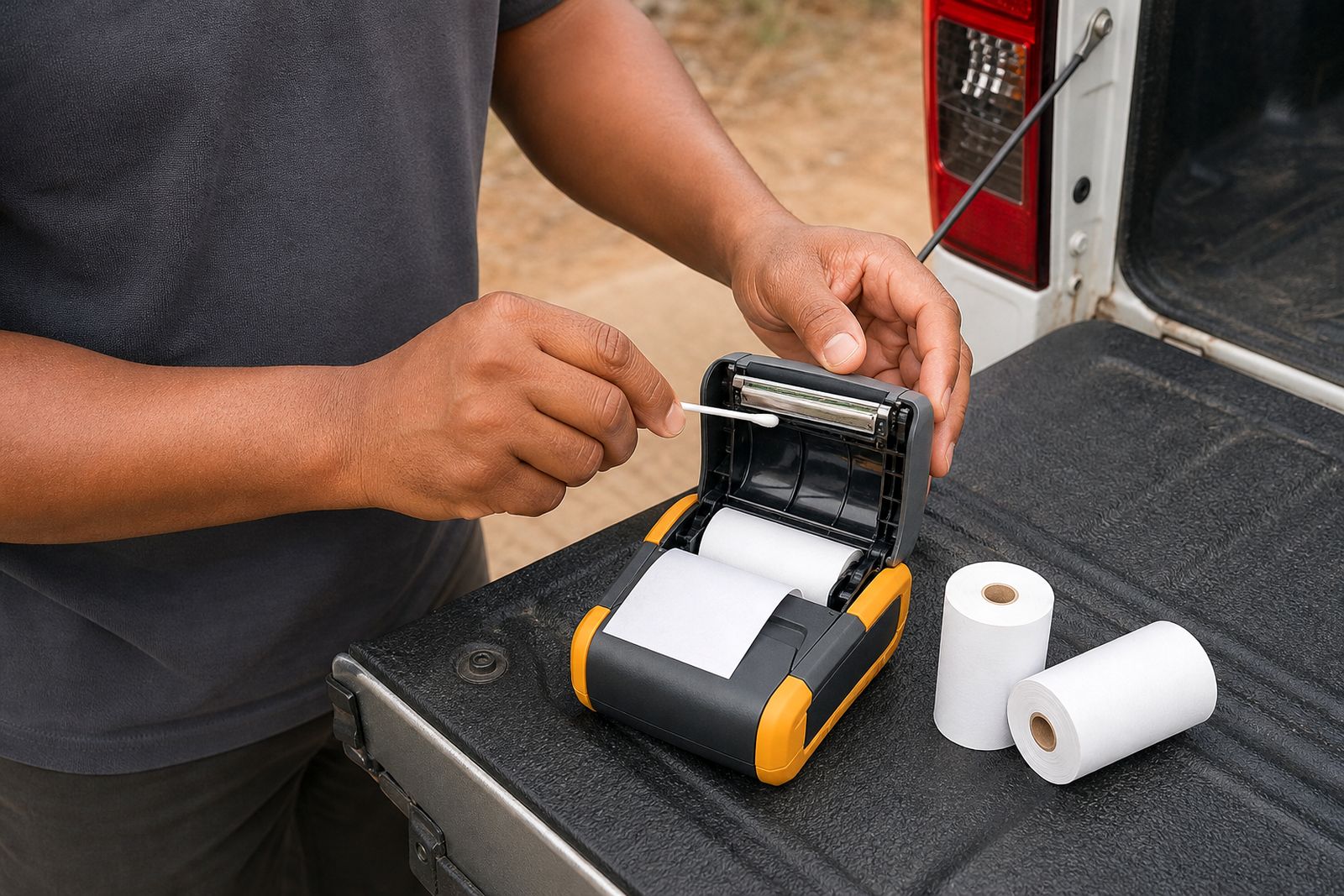
- Keep charging contacts clean, dust can cause poor charging
Look at durability, mounting and daily handling
Field printers take knocks. They are clipped on and off belts, moved between seats, handled with dusty hands and sometimes left in a hot vehicle. That is why build quality and accessories matter just as much as print quality. A carry case, shoulder strap, belt clip or vehicle mount can extend the working life of the printer by reducing drops and rattling during travel.
Also consider where the team works. Coastal routes can expose equipment to humid air, while inland delivery vehicles often deal with dust and heat. A printer used by parking or inspection staff may spend more time outdoors than one used by a sales rep visiting showrooms. The casing, latch, paper compartment and connectors should all feel suitable for regular field use, not light counter duty. A small crack around the paper door becomes a problem quickly.
Good handling also means easy paper loading. If operators can reload rolls quickly at the roadside, they are less likely to force the mechanism or leave the cover partly shut. It sounds basic but this is a common issue.
Use a simple selection checklist before you enquire
If you gather the right details first, choosing the printer becomes much easier. We help customers match the printer to the phone or handheld device and to the correct paper width, but the best starting point is a short list of practical job requirements. This avoids choosing purely on size or appearance.
- What device will the printer connect to, and by Bluetooth or USB
- Is the receipt width better suited to 58 mm or 80 mm rolls
- How many prints are done per shift and how long are they
- Will the printer be belt-carried, shoulder-carried or vehicle-mounted
- Is in-vehicle charging needed
- Does the team work mainly indoors, roadside, in warehouses or at customer gates
- Are spare rolls, carry cases, clips or mounts required
Once you have those answers, send them through the enquiry form on our contact page. We can then point you to a suitable mobile receipt printer setup without adding products you do not need. We supply the printers, paper rolls and practical accessories for field teams across South Africa, from Midrand to regional routes nationwide.
What our Mobile Receipt Printers customers say
Verified Google reviews
Questions we get asked
Is 58 mm or 80 mm better for a driver printer?
It depends on the receipt format. A 58 mm printer is easier to carry and suits short slips, while 80 mm is better for longer invoices with more line items and totals.
Should I choose Bluetooth or USB?
Bluetooth is usually best for operators who move around the vehicle or customer site. USB can work well where the printer stays mounted or where a fixed cable connection is preferred.
Do I need a vehicle charger or mount?
If the printer spends most of the day in a cab, a charger and mount can make daily use much easier and reduce handling damage. For belt-carried use, a clip or carry case may be the better priority.
Also worth a look
Tell us about the job
Send sizes, materials and where you are through our contact form, and we will come back with the practical options.
Open the contact form