

Delivery and courier drivers
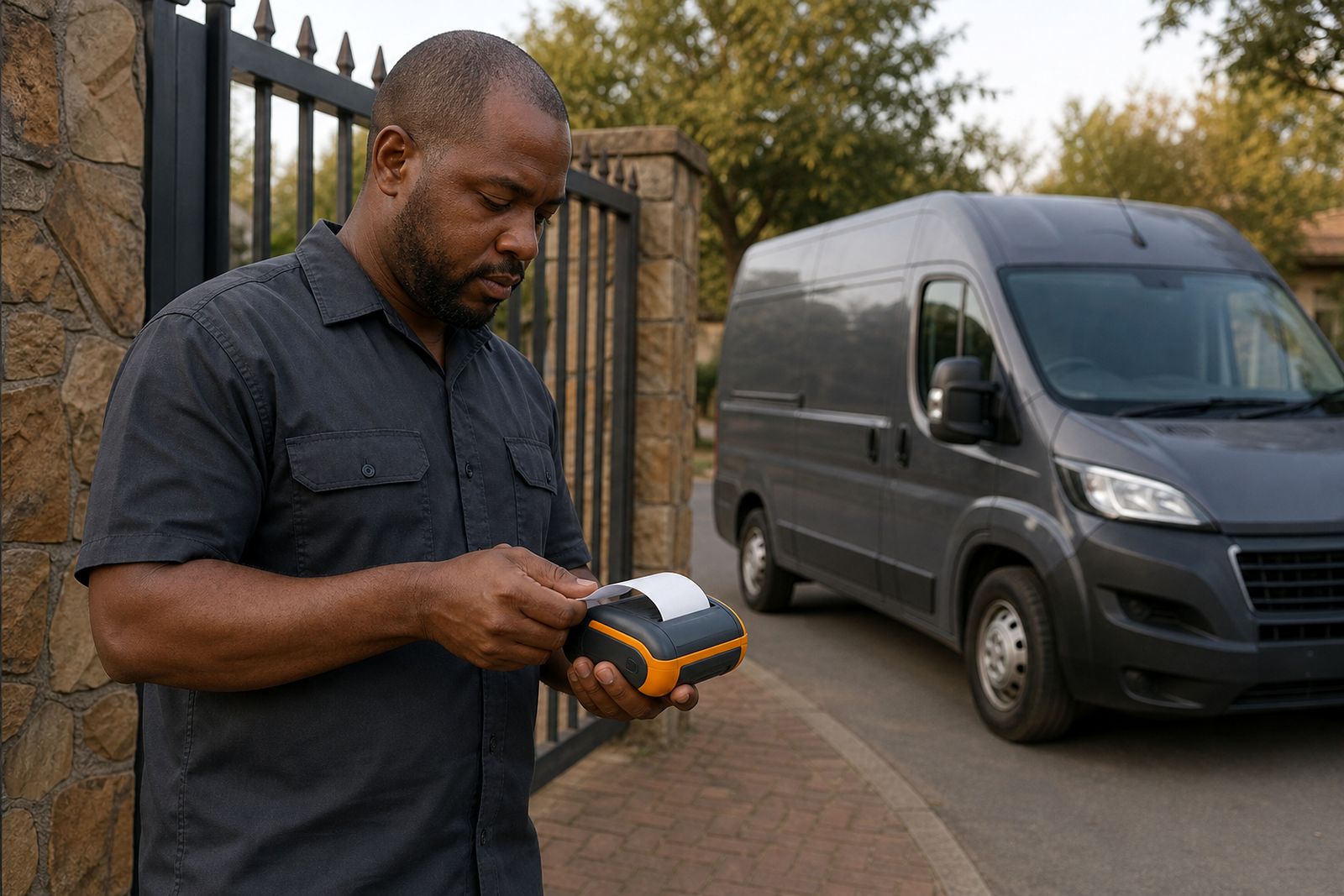
For delivery and courier drivers, a printed receipt at the door can settle a query before the vehicle even pulls away. The right mobile printer setup helps drivers work faster, keep records clear and avoid repeat visits.
Why printed proof still matters at the drop-off
Many delivery teams now capture signatures and photos on a handheld device or phone, but a printed slip still solves everyday problems. A customer can check the item count, date, time and reference number immediately. In flats, offices and workshops where several people receive parcels during the day, that small receipt often ends arguments later on.
For South African drivers, proof of delivery also needs to work in less than perfect conditions. Network coverage can be weak in industrial areas, on rural routes or inside large buildings with thick concrete walls. A mobile thermal printer gives the driver a fast local printout without waiting for a long sync to complete. That matters when a route has many stops and the vehicle still has to reach the next area before traffic builds up.
In practice, drivers use printed receipts for more than signatures. They use them to confirm short deliveries, note damaged packaging, record partial drop-offs and leave a clear paper trail where the recipient changes at the last minute. It is simple, but it saves time.
What delivery drivers need from a mobile printer
A printer for office counters is not built for a driver climbing in and out of a vehicle all day. Delivery work puts strain on clips, latches and charging ports, and the printer must cope with dust, vibration and the odd knock against a gate post or parcel cage. The best choice depends on the route, the handheld device and whether the team prints a short receipt or a longer multi-line delivery note.
- Paper width: 58 mm is compact and easy to carry, while 80 mm gives a wider, easier-to-read receipt.
- Connection type: Bluetooth suits drivers pairing to a phone or handheld, while USB is useful for fixed vehicle setups or charging and data in one place.
- Battery runtime: A full day route should not depend on finding a plug point at a depot or customer site.
- Mounting and carry options: Belt clips, shoulder carry and vehicle mounts each suit different ways of working.
- Media loading: Quick drop-in roll changes matter when the driver is under pressure and standing at the door.
We normally help customers match the printer to the device already used in the field and to the paper size needed for their receipts. That avoids the common mistake of buying a unit that prints nicely in a demo but does not fit the way the team actually works on route.
Bluetooth in the cab, paper at the gate
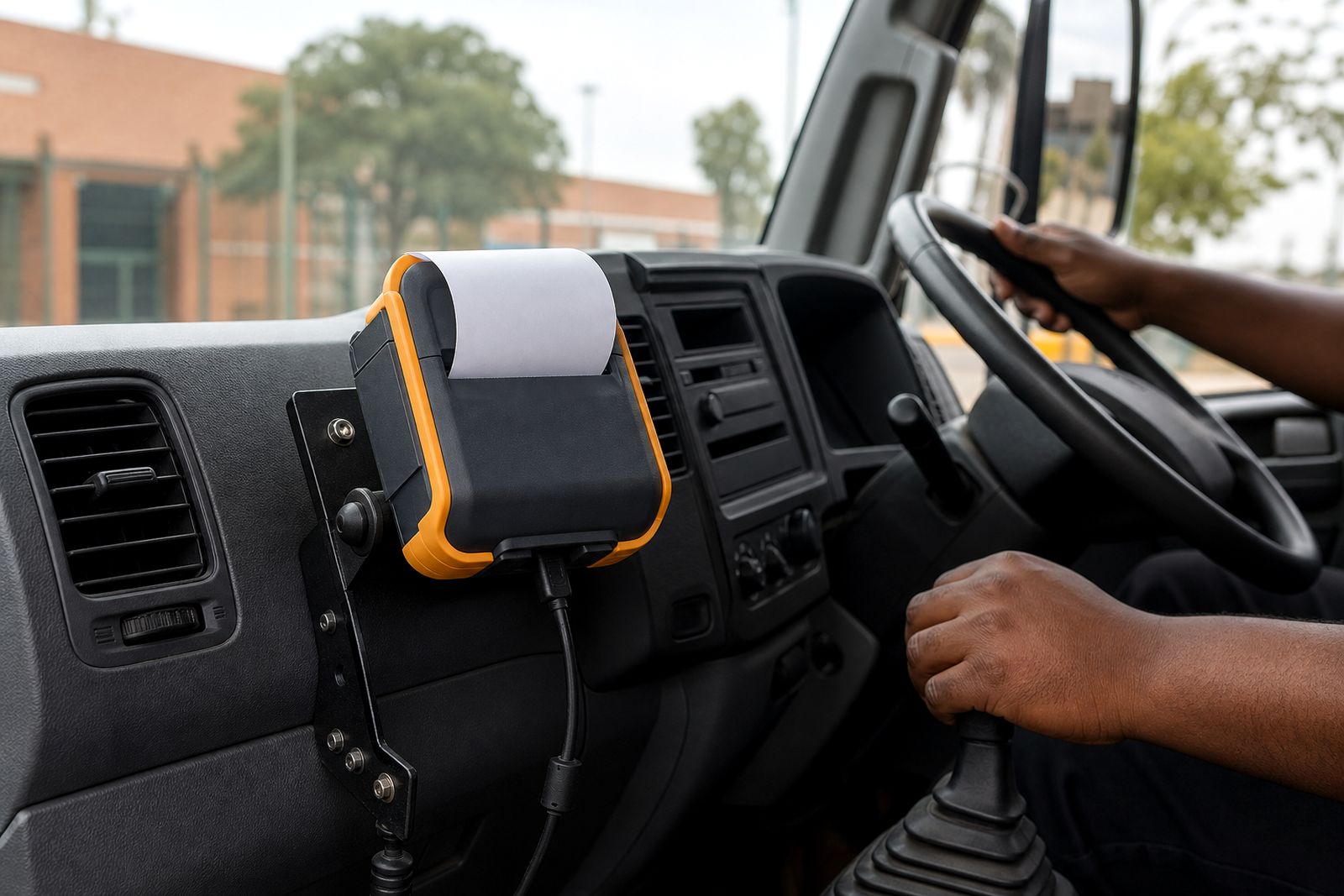
Bluetooth receipt printers are popular with courier and delivery teams because the driver can keep the printer on a belt, in a carry case or on a mount inside the vehicle. The phone or handheld sends the print job as needed, and the driver does not have to return to the cab after every signature. On a busy route that saves small chunks of time all day long.
Reliable pairing matters more than fancy features. A driver should be able to wake the printer, print, tear the slip and move on. If several drivers share vehicles, clear pairing rules are important so one person does not accidentally print to the next vehicle parked nearby. We usually suggest testing the exact handheld or phone model used in the field, not a different office device.
Vehicle power also needs thought. A charger in the cab helps on longer routes, especially when load-shedding affects depot charging before the shift starts. If the printer rides on the driver rather than staying mounted in the vehicle, a spare charged battery can make more sense than relying on charging between stops.
A workshop delivery example from Midrand
One practical example comes from a parts delivery setup serving workshops around Midrand, Wynberg, Selby and nearby industrial areas. Drivers were carrying printed batches from the branch each morning, then handwriting changes when a workshop rejected one item, accepted another item and asked for a replacement reference on the spot. By late afternoon the paperwork no longer matched the actual handover very well.
The change was simple. Each driver carried a mobile receipt printer linked to the existing handheld device. At the workshop counter or at the service bay entrance, the driver could print the updated delivery receipt after the receiving staff member checked quantities. If a gasket set or filter was still on back order, the slip showed exactly what had been handed over at that moment. There was less confusion when the workshop phoned later because the paper copy in their file matched the record captured in the field.
What made the biggest difference was not speed alone. It was clarity. The printed receipt reduced call-backs to the branch, and drivers spent less time trying to remember what changed at each stop. One small workflow change fixed a daily admin problem.
Set the printer up for South African route conditions
Road work in Gauteng is different from coastal work in Durban, Gqeberha or Cape Town. Heat inside a parked vehicle, humidity near the coast and dust from warehouse yards all affect field equipment. Thermal paper can darken if stored badly, and printheads suffer if dirt builds up around the paper path. A practical setup keeps these realities in mind.
- Store spare paper rolls out of direct sun and away from hot dashboards.
- Use a carry case or mount so the printer is not sliding on the passenger seat.
- Check the charging lead and connector weekly, especially on vehicles used on rough routes.
- Keep paper widths consistent across the fleet so drivers are not loading the wrong rolls.
- Clean the paper path gently during routine vehicle checks, before dirt causes pale printing.
Municipal parking officers, estate security and warehouse receiving bays also work to their own access rules. Drivers often have only a short standing window before they must move the vehicle. A printer that wakes quickly and loads paper easily can be the difference between finishing the stop neatly or driving off with a dispute still hanging. It sounds small but on route small delays add up fast.
Questions to settle before you choose a unit
Before ordering mobile printers for a delivery fleet, it helps to answer a few blunt questions. Will the driver carry the unit all day or leave it in the cab? Is the receipt just a signature slip, or does it need item lines and terms? Will the printer pair with one dedicated device, or could different drivers and vehicles be involved during shift changes? These details matter more than appearances.
- Which phone or handheld device will print to it?
- Do you need 58 mm or 80 mm paper?
- Will the unit be belt-carried, shoulder-carried or vehicle-mounted?
- Do routes include long hours away from base?
- Will receipts be printed at every stop, or only on exceptions and collections?
We supply mobile receipt printers, thermal paper rolls and the practical extras that keep them useful on the road, including chargers, mounts, clips and carry cases. We also help customers match the printer to the device and the paper width required. If your drivers need proof of delivery receipts at the door, send your requirements through the enquiry form on our contact page and we can point you to a setup that suits field work properly.
What our Mobile Receipt Printers customers say
Verified Google reviews
Questions we get asked
Do mobile receipt printers work with phones as well as handheld devices?
Yes. Many delivery teams use Bluetooth models with phones or handheld devices, provided the printer and device are compatible with the same workflow and paper size.
Is 58 mm or 80 mm paper better for courier drivers?
It depends on the receipt layout. 58 mm is easier to carry and suits short proof of delivery slips, while 80 mm is better where item detail must be easier to read.
Do you supply software or repair other printer makes?
No. We supply mobile receipt printers and related accessories, help match them to the device and paper width, and do not develop software or repair other brands.
Also worth a look
Tell us about the job
Send sizes, materials and where you are through our contact form, and we will come back with the practical options.
Open the contact form